
Intro
My smart home setup features a seamless integration between Home Assistant and HomeKit. With Home Assistant working behind the scenes, users can continue using the familiar HomeKit interface and take advantage of voice commands like “Siri, lock the front door,” while Home Assistant handles the more complex automation tasks.
Home Assistant, an open-source smart home hub and integration platform, enables advanced automations and integrates with HomeKit, Alexa, and Google, making it incredibly versatile.
Discover some of the innovative ways I’ve used smart home technology below!
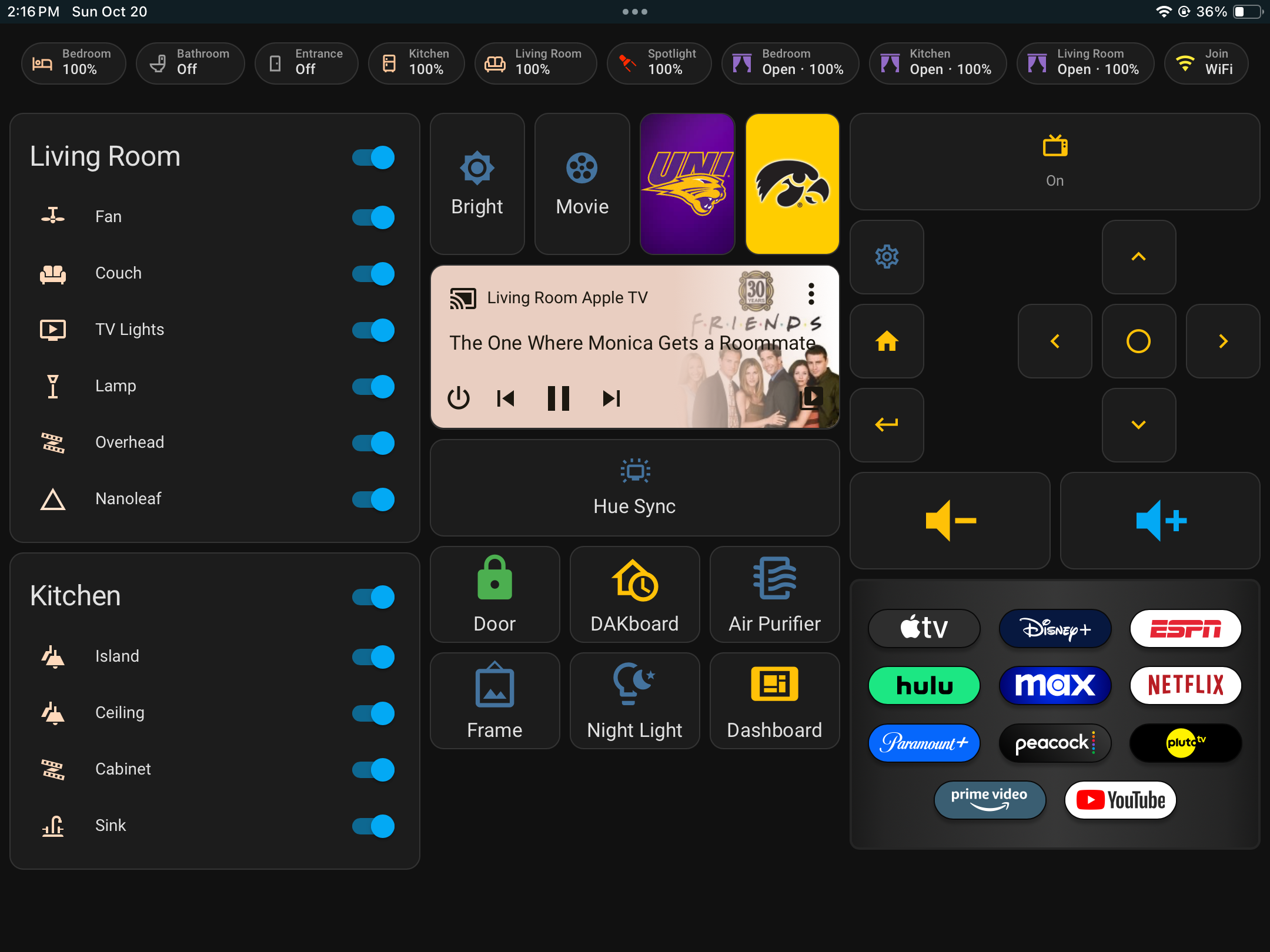
Smart Home Dashboard (Home Assistant)
Interactive dashboard to control smart home devices and the entertainment center in your residence. Great for everyday use and for guests, such as family and friends.
DAKboard
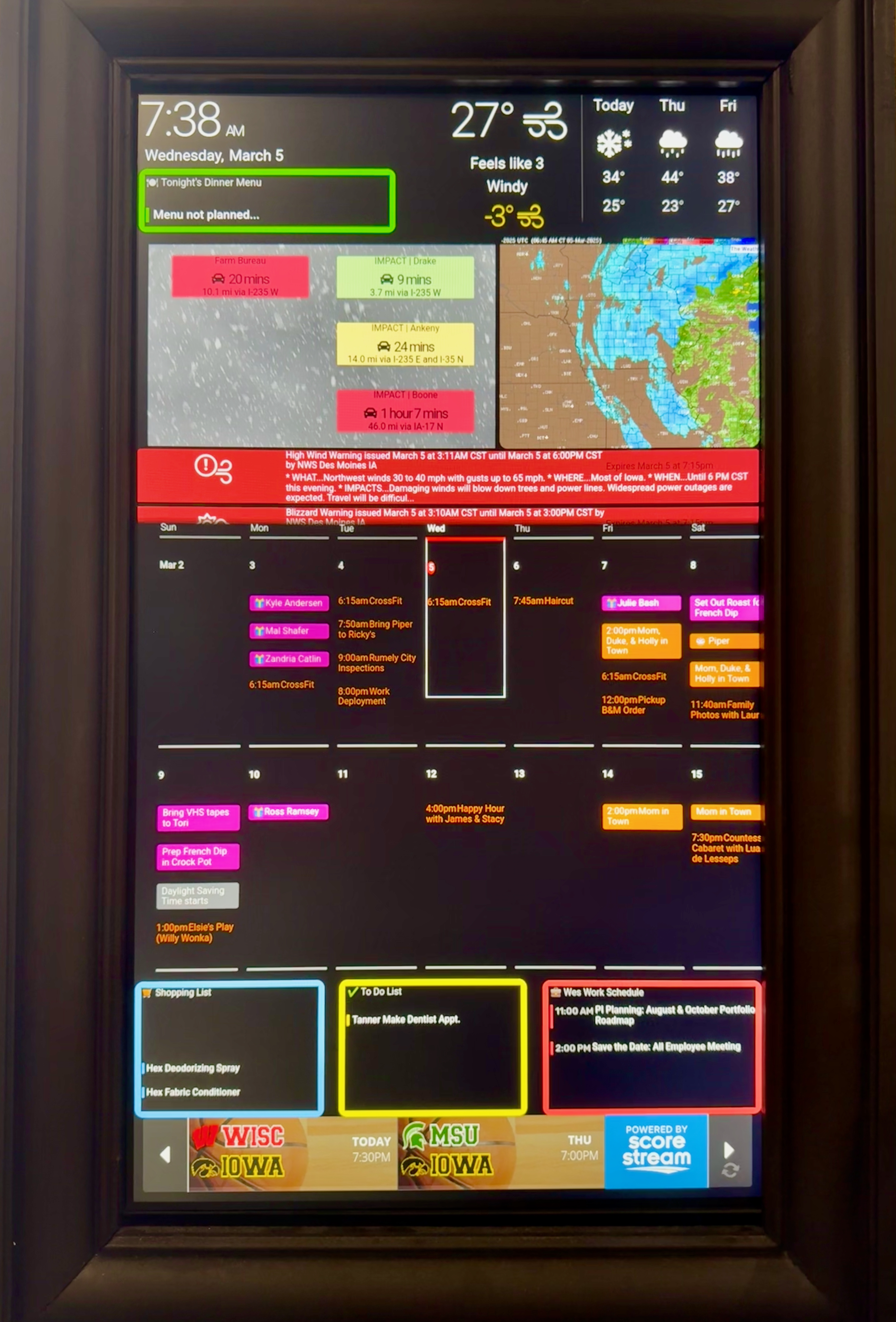
A digital display that can sync with members of your household to display essential information, such as: calendar events, grocery list, to-do list, weather forecasts, weather alerts, and upcoming games for our favorite teams.

Security

Doorbell is Pushed: Lights flash different colors, disco ball stars spinning, and notification appears on Apple TV. 
Door is Locked/Unlocked: Color on disco ball will change to match state of lock. 
Ring Security Cameras: 3D printed window mount allows indoor cameras to monitor the exterior 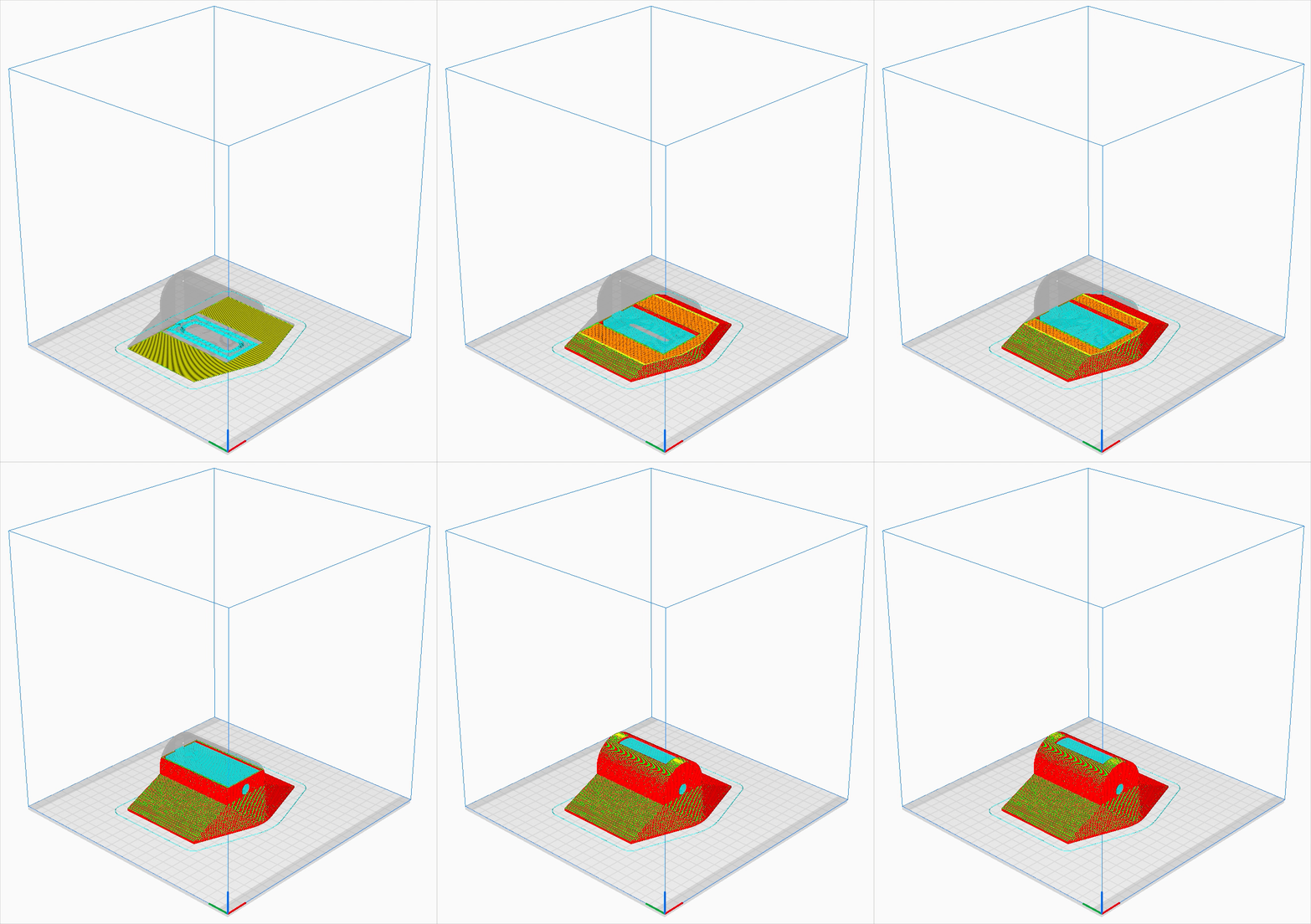
Ring camera window should 3D print
Entertainment

Control the TV with the dashboard (turn on/off, open apps, adjust volume, navigation controls). 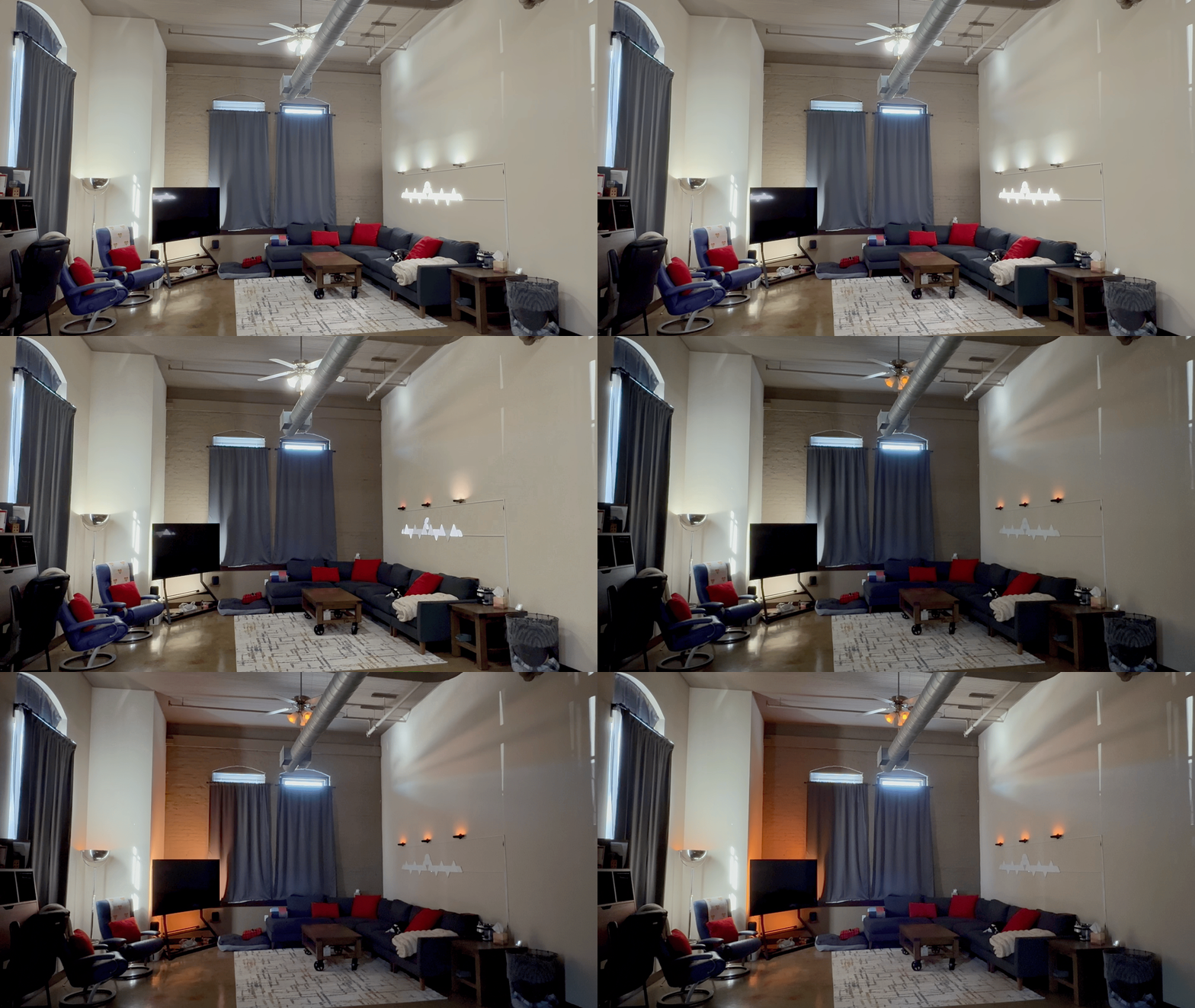
Movie Lights: turn the lights down/off when you want to watch a movie. 
Hue Sync: sync the color of the lights to what is being displayed on the TV. 
Hue Sync: sync the color of the lights to what is being displayed on the TV. 
Sports Teams: set the lights to support your favorite team when watching the game. 
Sports Teams: set the lights to support your favorite team when watching the game. 
ConnectedRoom.io: Using ConnectedRoom.io you can sync your lights to react in live time to the sporting event you’re watching. This is an example of a touchdown being scored.
Comfort & Simplicity
Motion Sensor Lights: lights automatically turn on, then fade off once motion is no longer detected. At night, the light will automatically turn a dim red (instead of bright white) to prevent waking you up in the middle of the night. 
Pause TV when Vacuum Docks to Empty the Bin: pause the TV (if it’s playing), then play after the vacuum bin is done emptying. 
Start Work: press a button to start work (turn on the office lights, open the curtain, lock the door, and turn off the lights in the rest of the residence). 
Open/Close the Curtains 
Change the color of the lights.
 Wes Hunt